




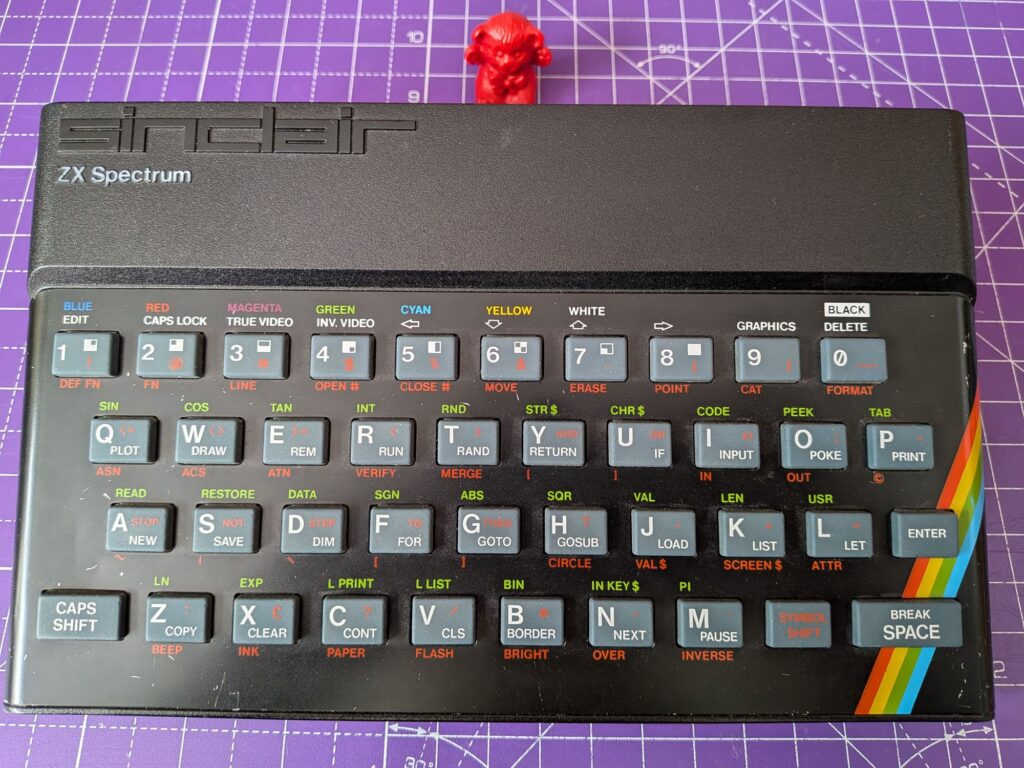
This Spectrum came in having become a bit flaky. It was actually booting though, which gives a good indication that the lower RAM is OK.
There are two banks of RAM in a 48k Spectrum. The Lower RAM is 16k and needed to boot. You typically get strange patterns on screen if there is a lower RAM issue. The Upper RAM is 32k that takes it up to a total of 48.
While the system can boot with the lower RAM, if you want to load games or “do homework” 😀 then you are going to be making use of the upper RAM too.
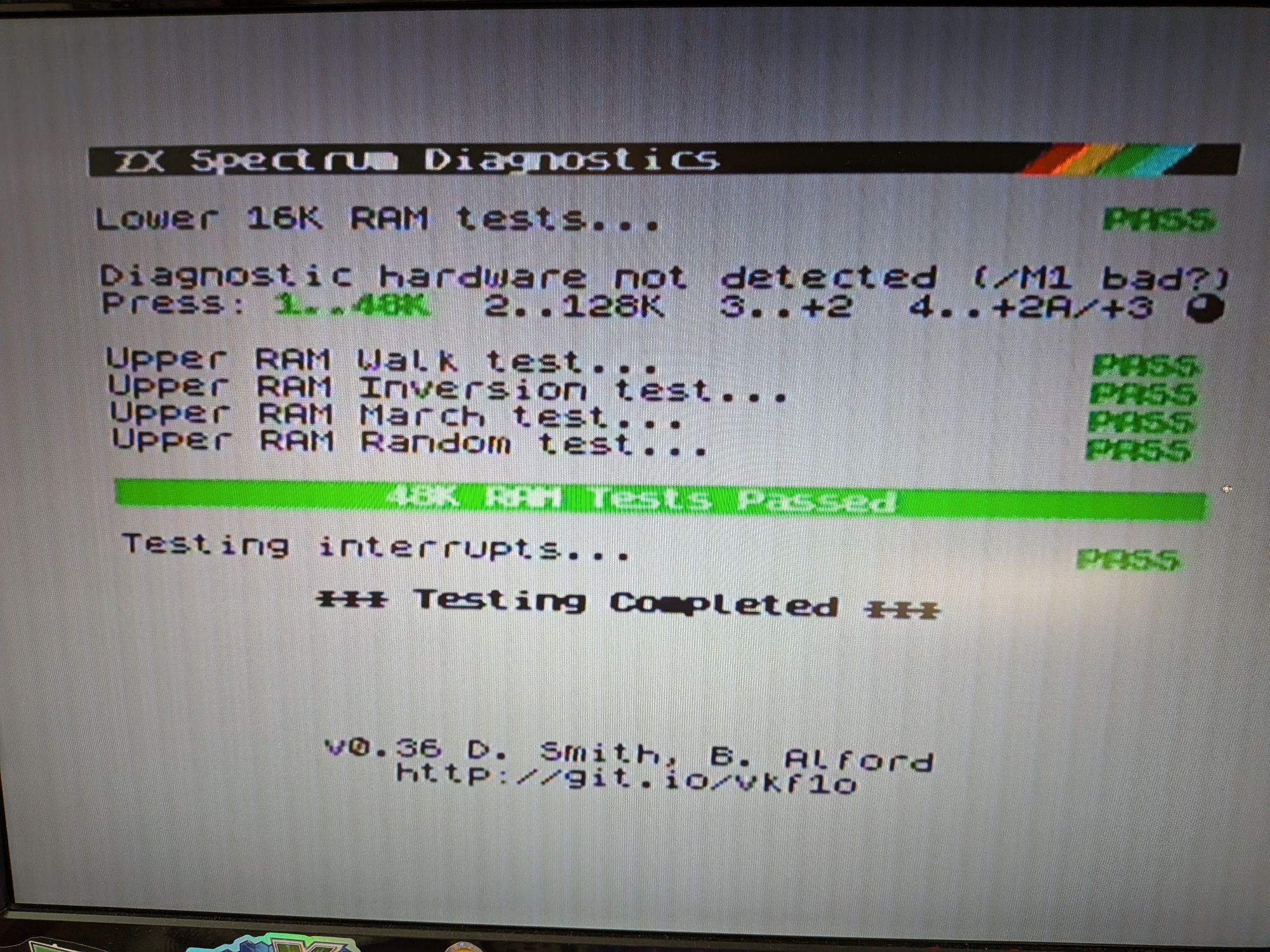
Used a diagnostic cartridge to quickly assess this one, which tests first the lower RAM then then upper RAM and can present helpful results even when there are faults. The results from diagnostic ROMs shouldn’t be taken as 100% definite but are certainly helpful as a first test. They can be fallible if there is more than one failure.
This is the excellent diagnostic ROM from retroleum.co.uk
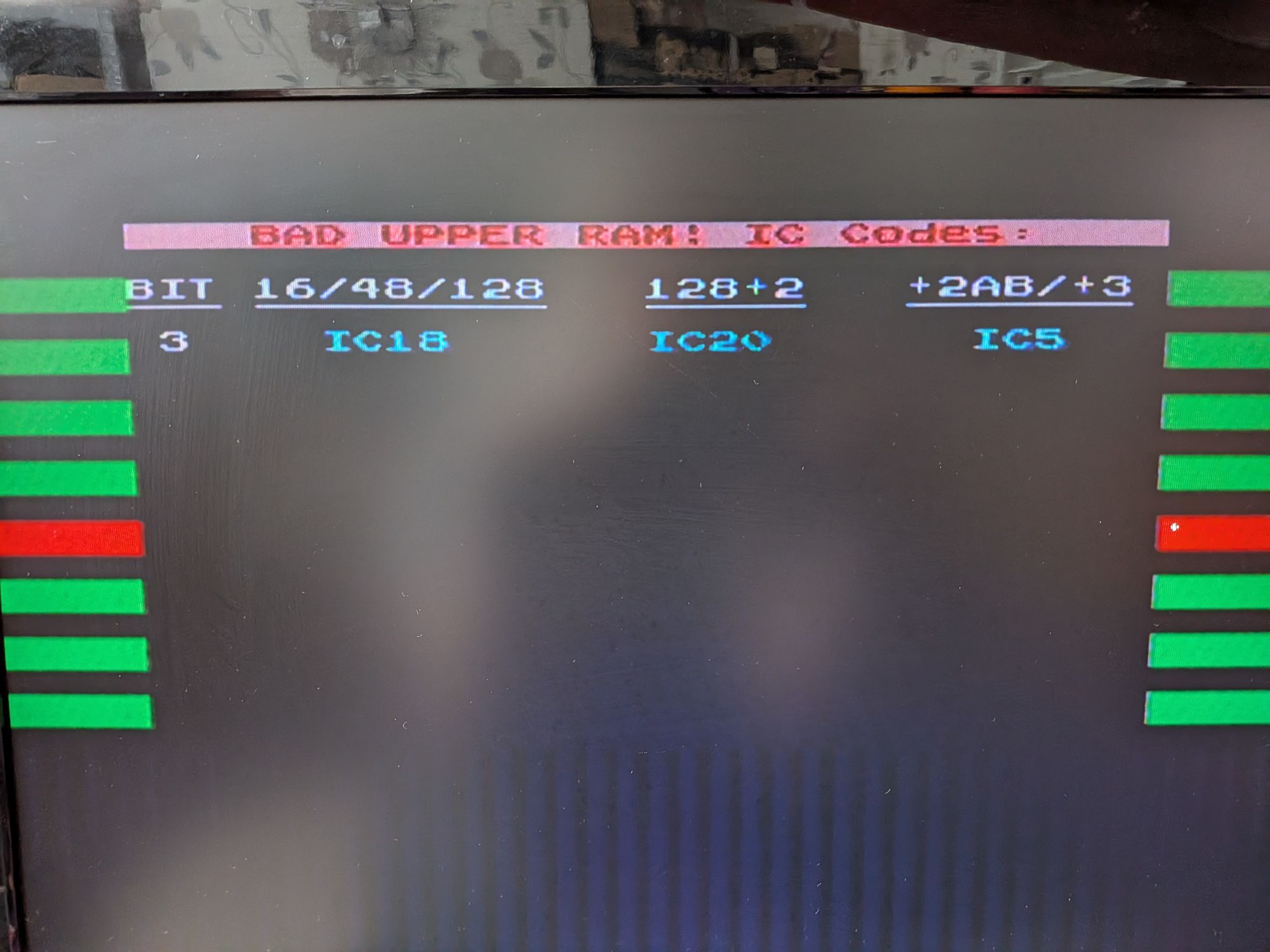
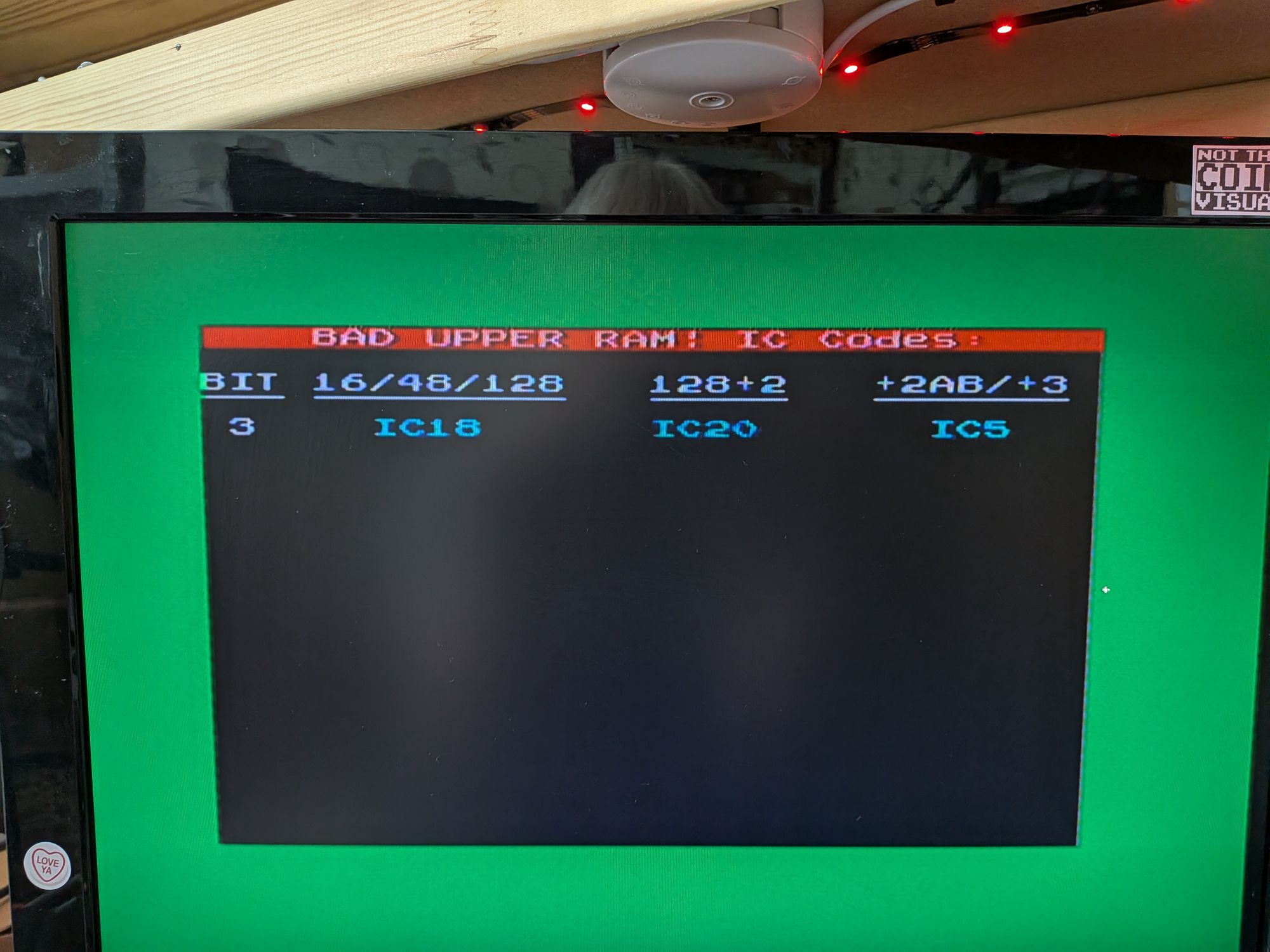
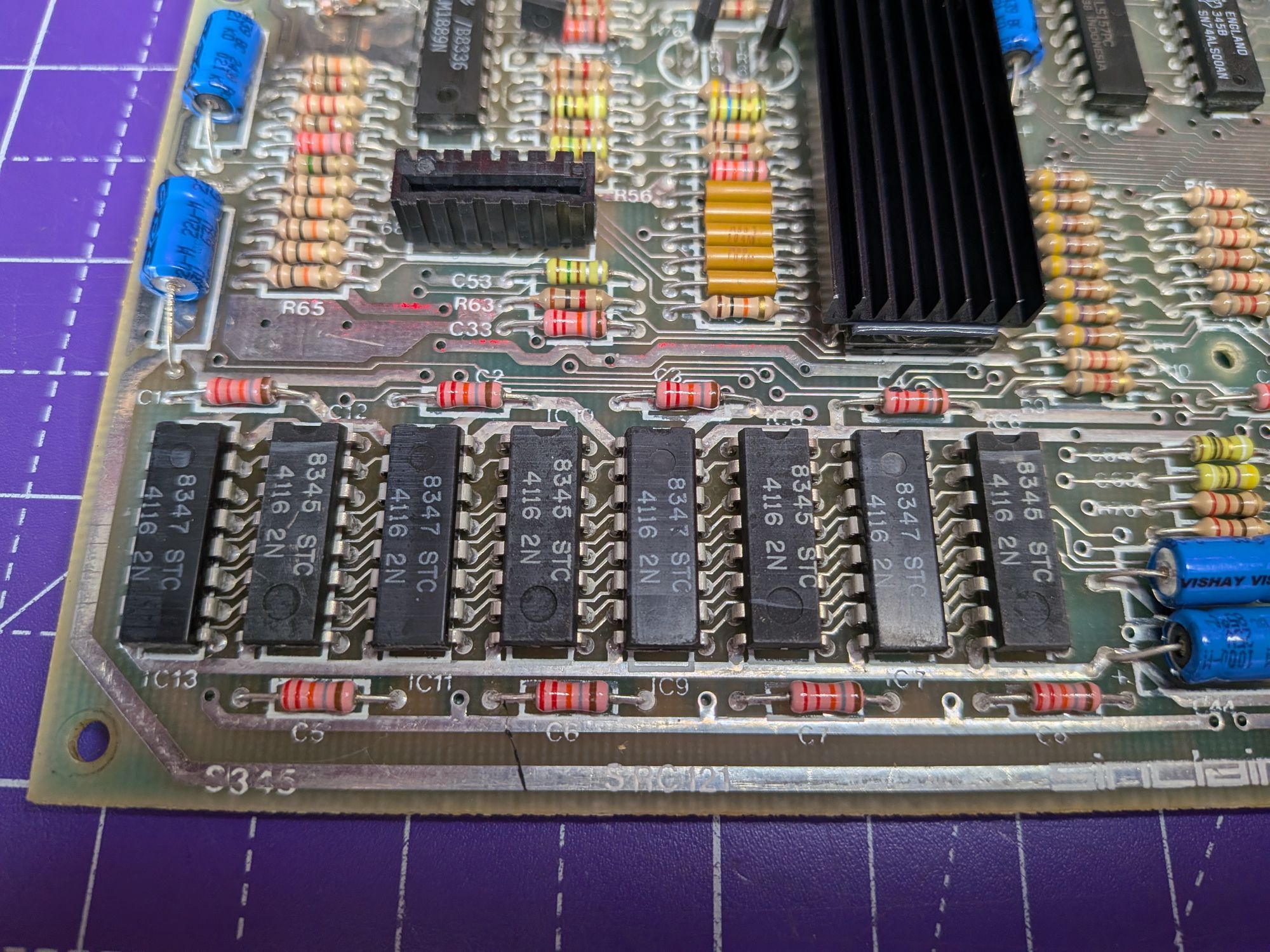
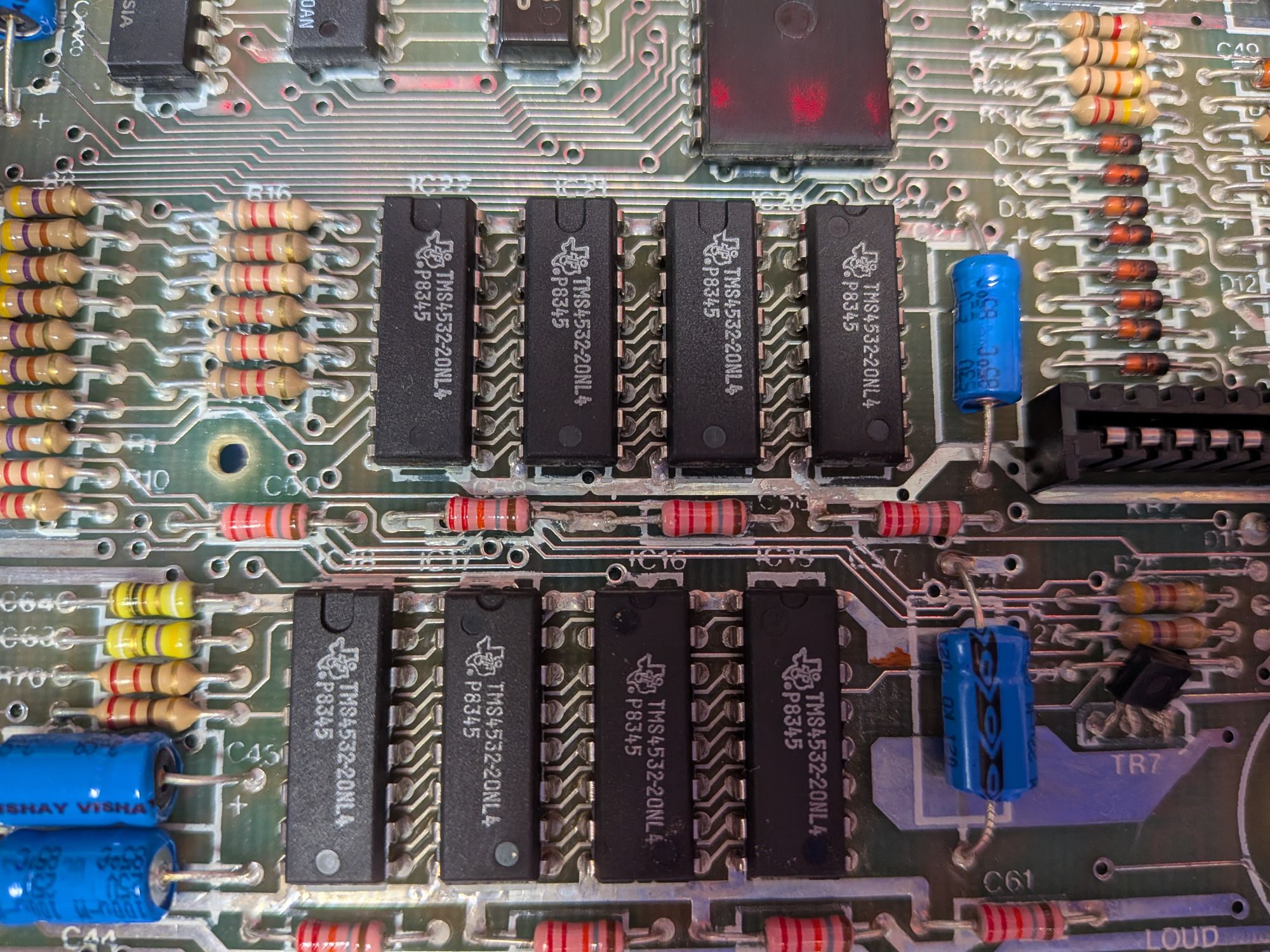
The pics show the diagnostic ROM results and also the lower and upper RAM in the Spectrum 48k. Each consists of 8 ICs.
Confirmed the bad RAM chip did appear to be IC18 with an oscilloscope then removed it to test it off the board, with a little RAM tester. Fitted an IC socket and replaced with a new chip. This still happens with modern chips so not just an 80s thing.
Interestingly, the upper RAM chips in these use technically partially faulty 64k RAM chips. During factory testing when the chips were made, if they failed either upper or lower half of the RAM, it was simply disabled and sold as a 32k RAM variant.
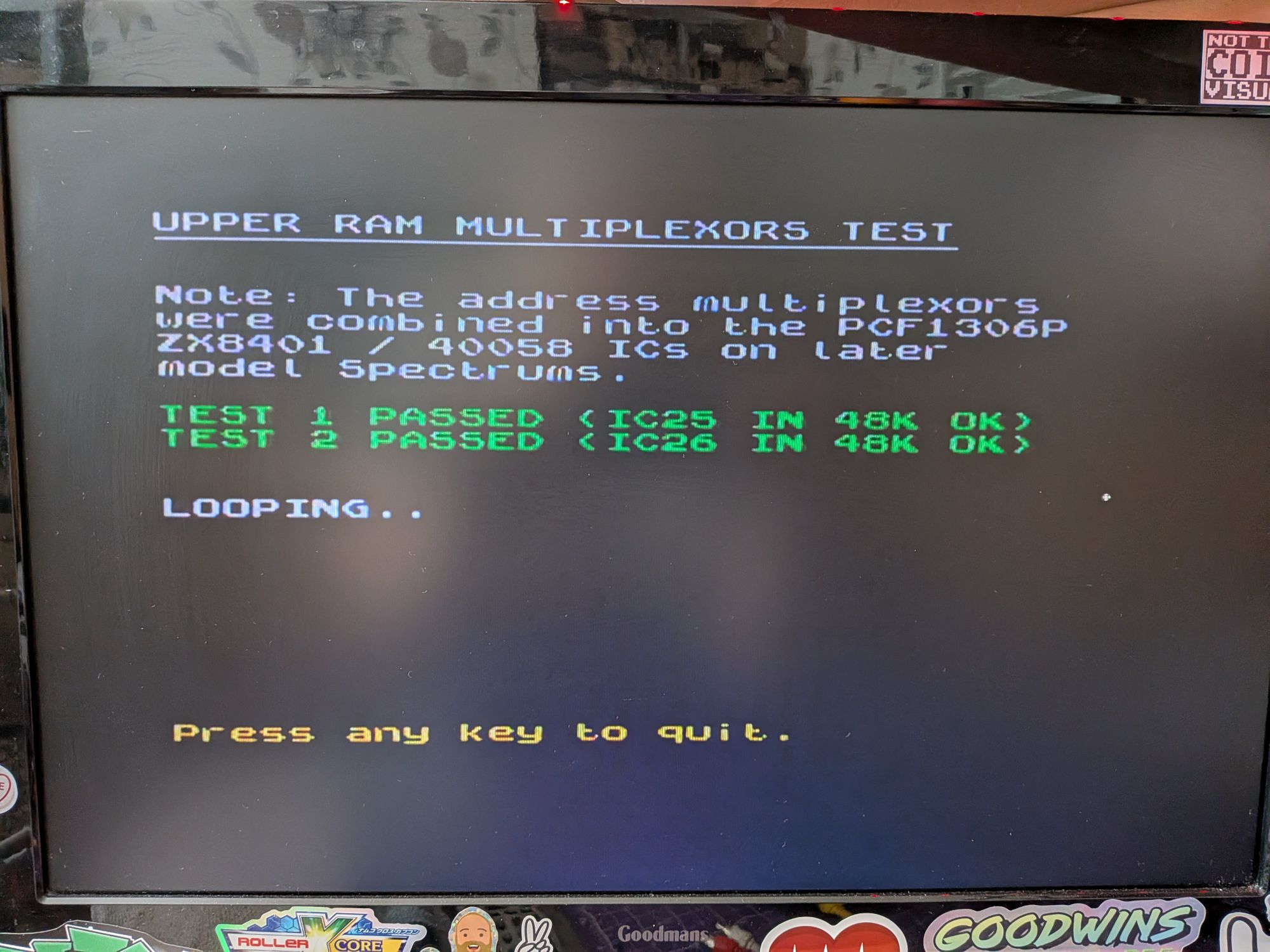
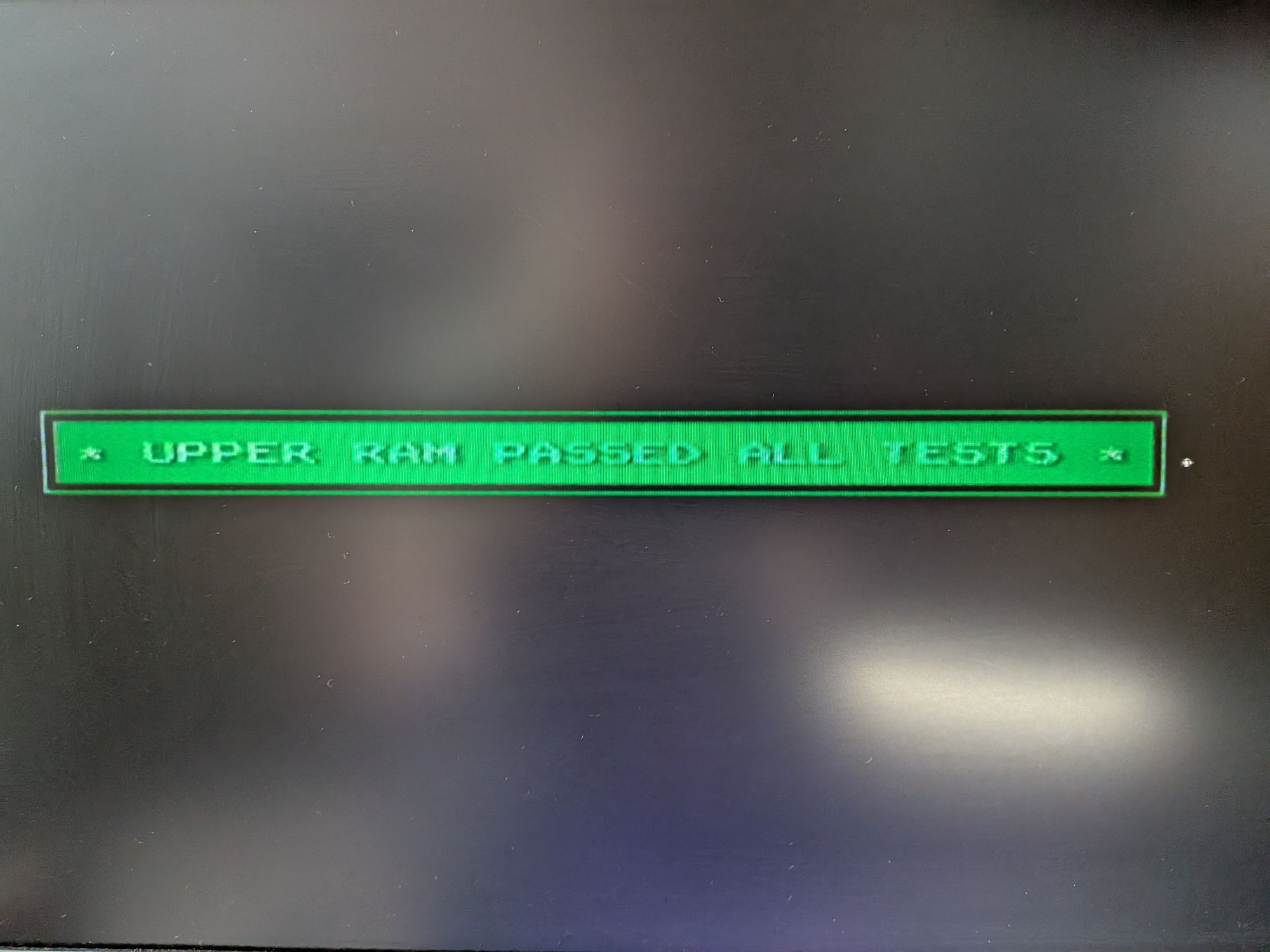
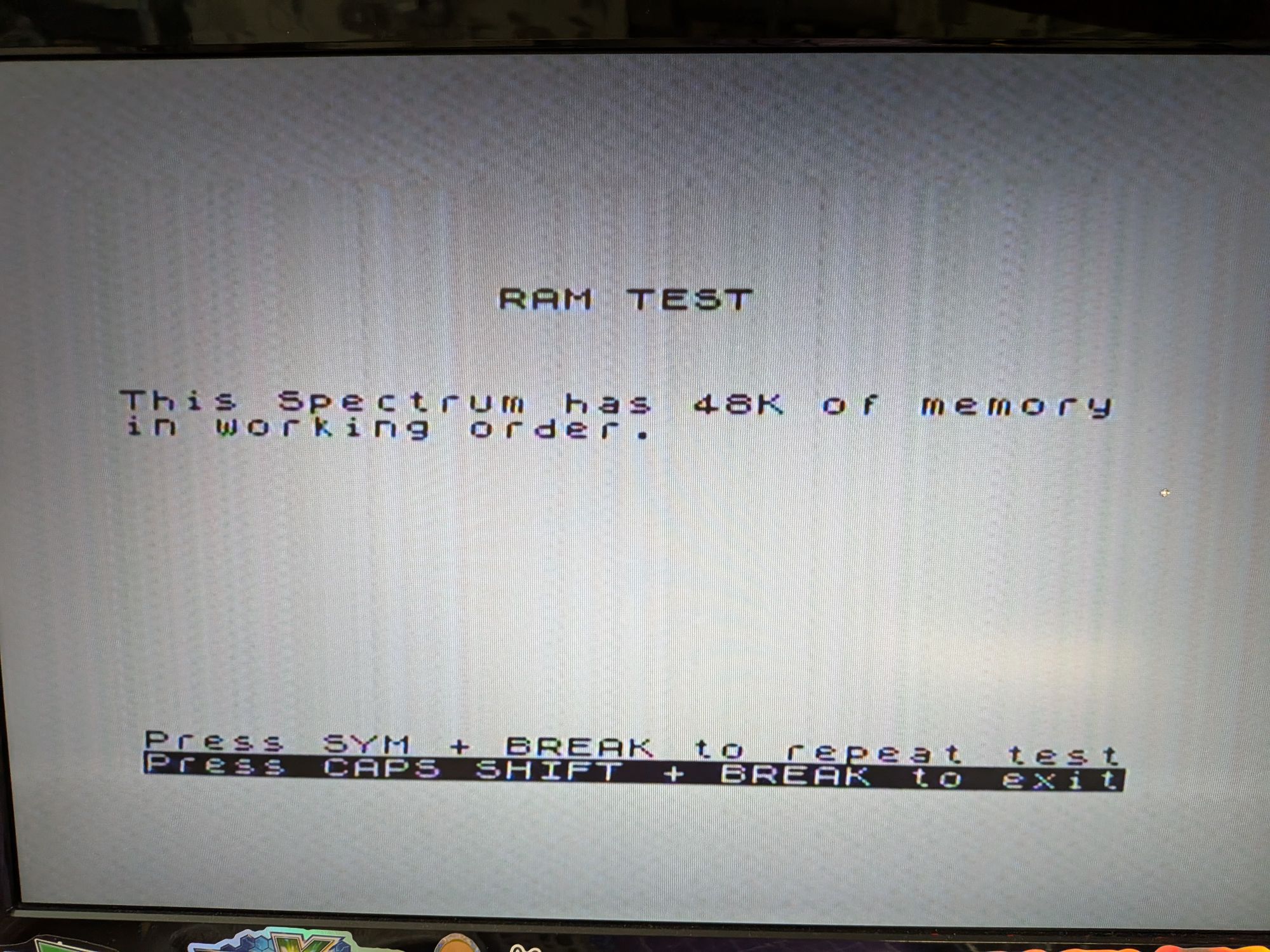
The diagnostic ROM also tests the bus logic chips. These control traffic on the bus and can be the cause of failures.
With IC18 now replaced all tests are now passing. Used a few other diagnostic ROMs to run similar tests and all are now passing, so calling this one cooked!