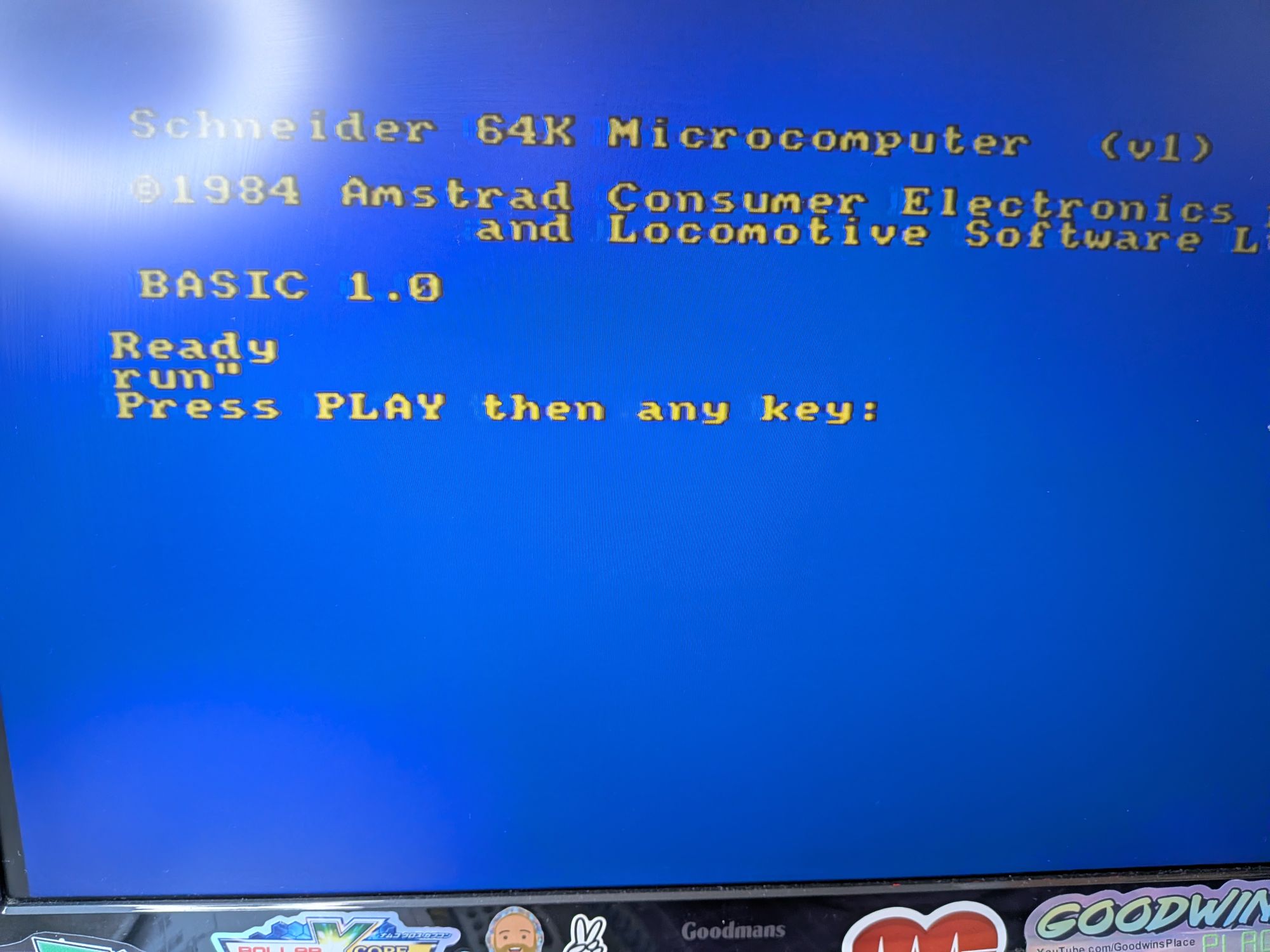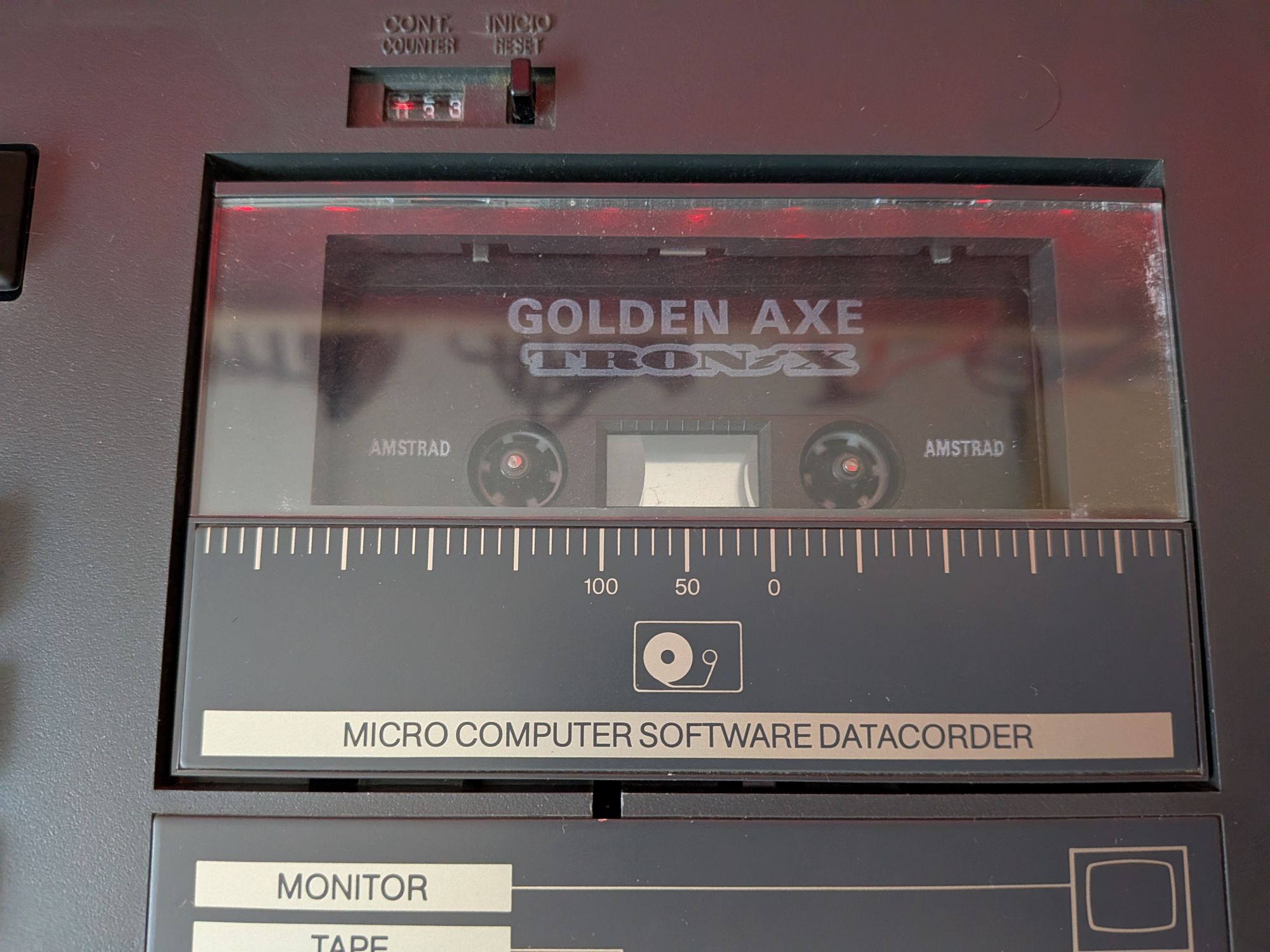



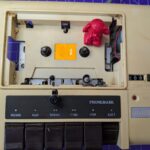
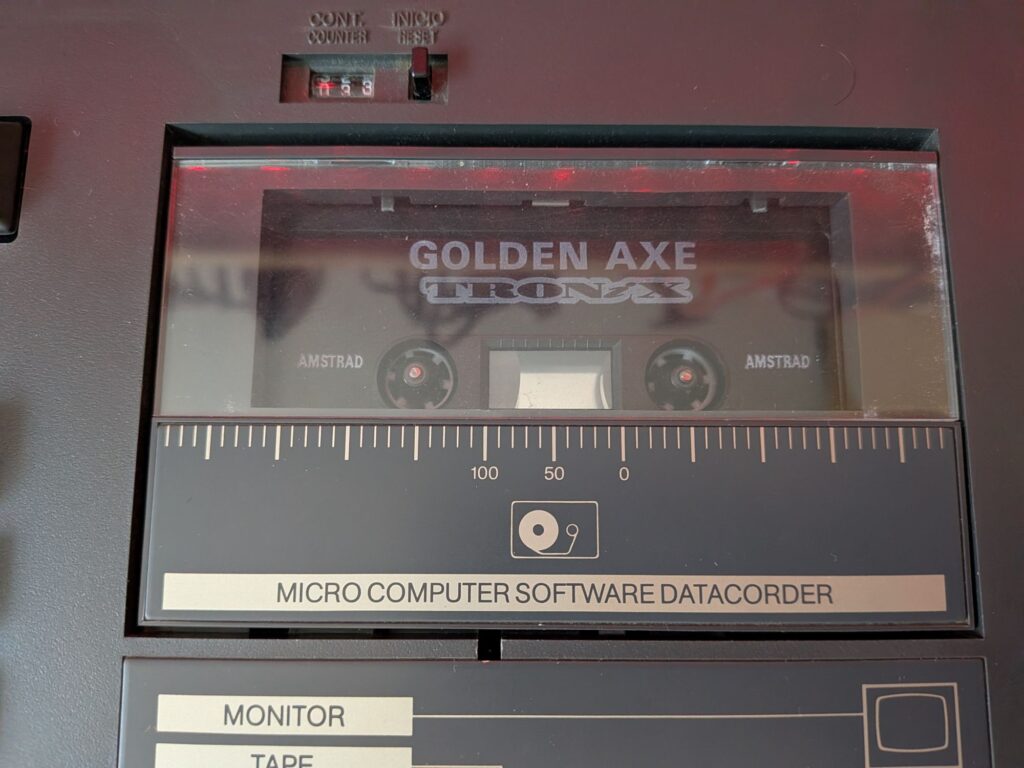
Another 8 bit system. There’s been a bit of a run of them recently. The Schneider CPC 464 is essentially the Amstrad CPC 464 used by most of Europe. Not very commonly seen in the UK. It follows the same Schneider styling seen in the recent 6128.
This one came in as not loading tapes. Although initially just for a cassette tune up when it was tested it just showed a black and grey screen. That will need fixing first!
The symptoms are not very helpful as they can present with a number of different faults. The first thing to do is to try is to narrow it down by plugging in a cartridge, possibly even the diagnostic cartridge, and see if it works with that. If it does and it will load games etc then it means the RAM and Bus logic are most likely not the cause.
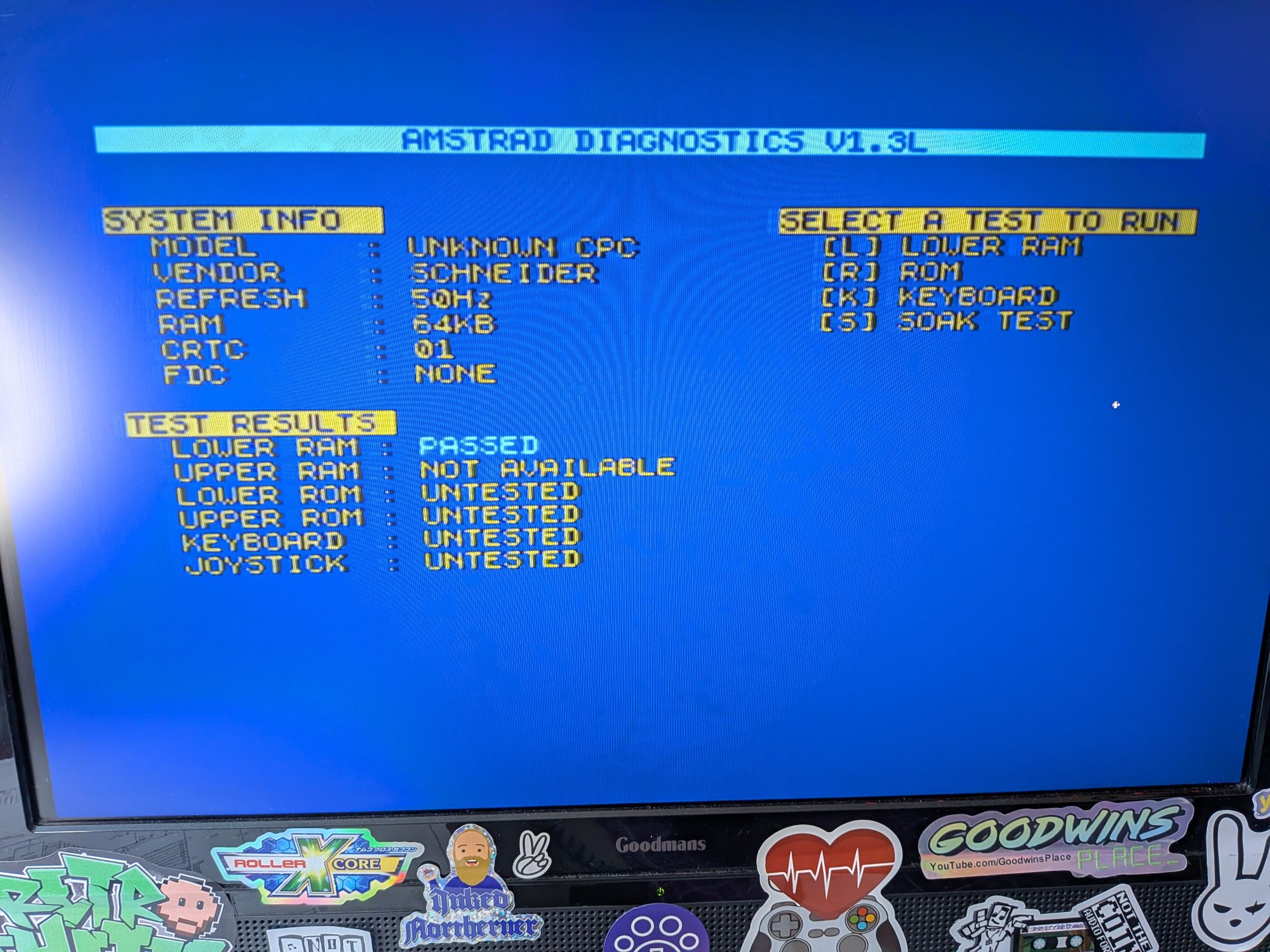
In this case it did boot from a Dandanator cartridge and did load games. That seems to point to the ROMs being at fault. Loading the excellent Amstrad Diagnostics ROM by Noel Llopis, available on github if you want to add it anywhere, confirmed this. When it starts it first tests the RAM and then shows a variety of system information. You can then go on to test various other things, including the ROM.
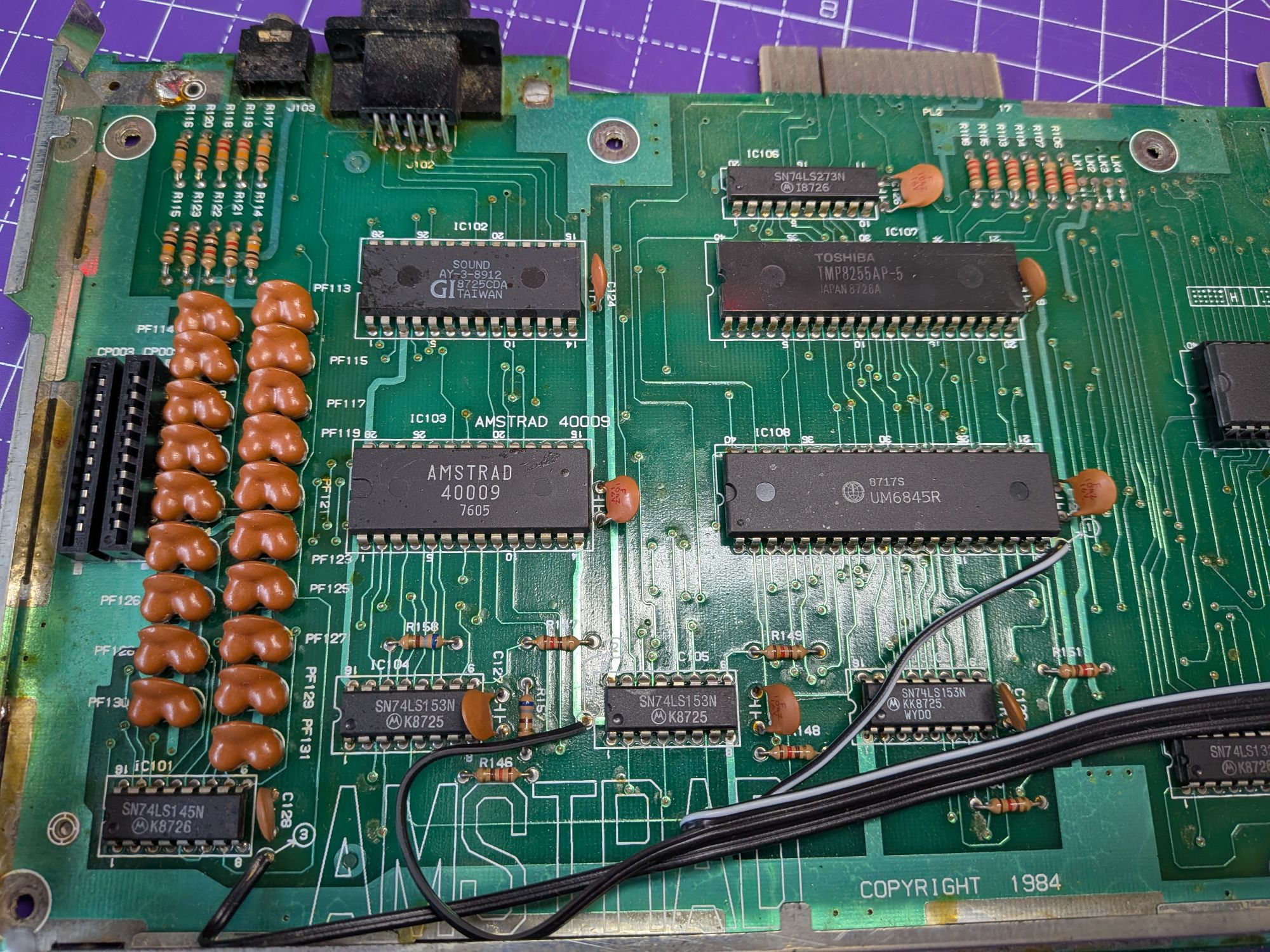
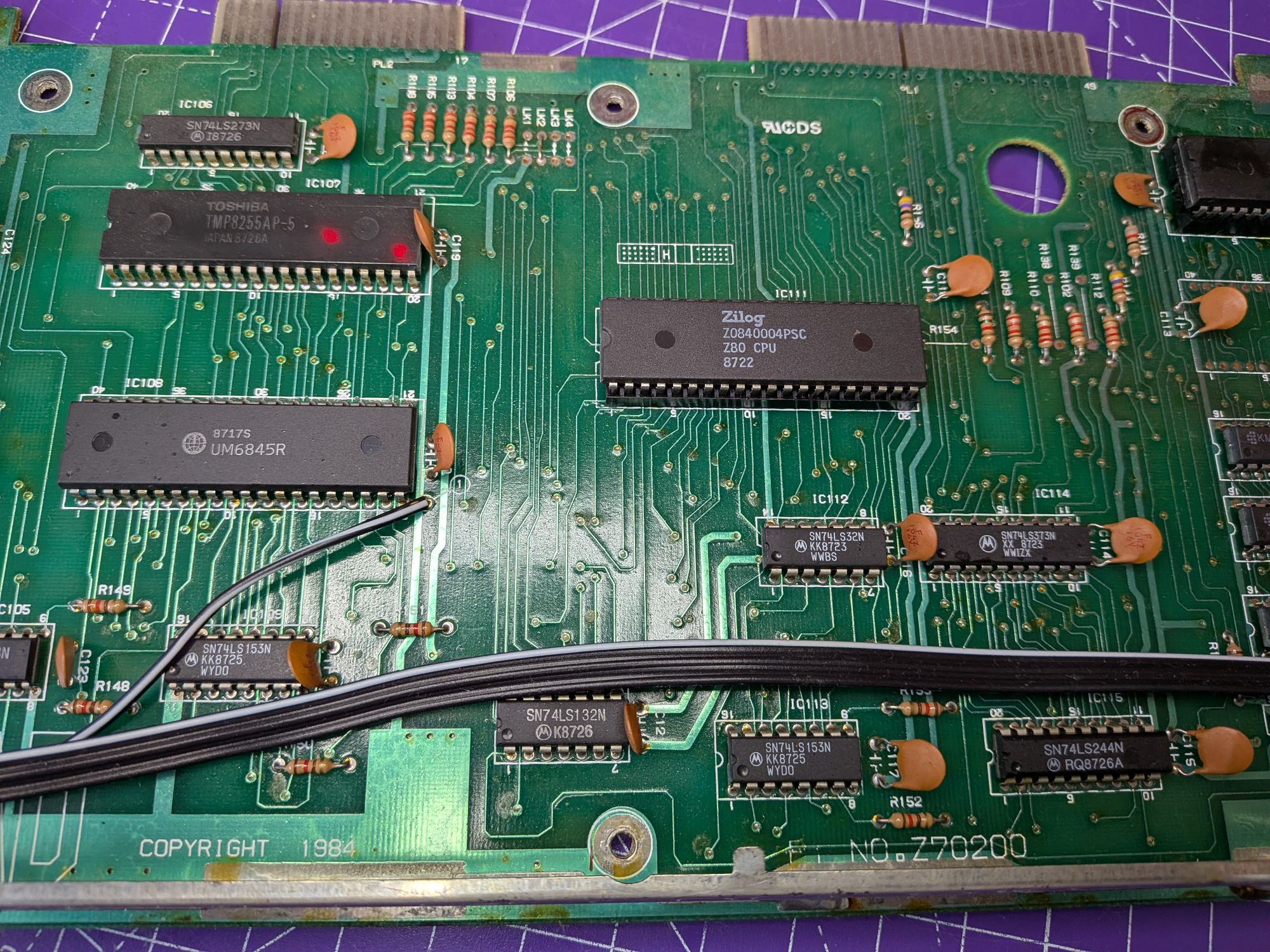
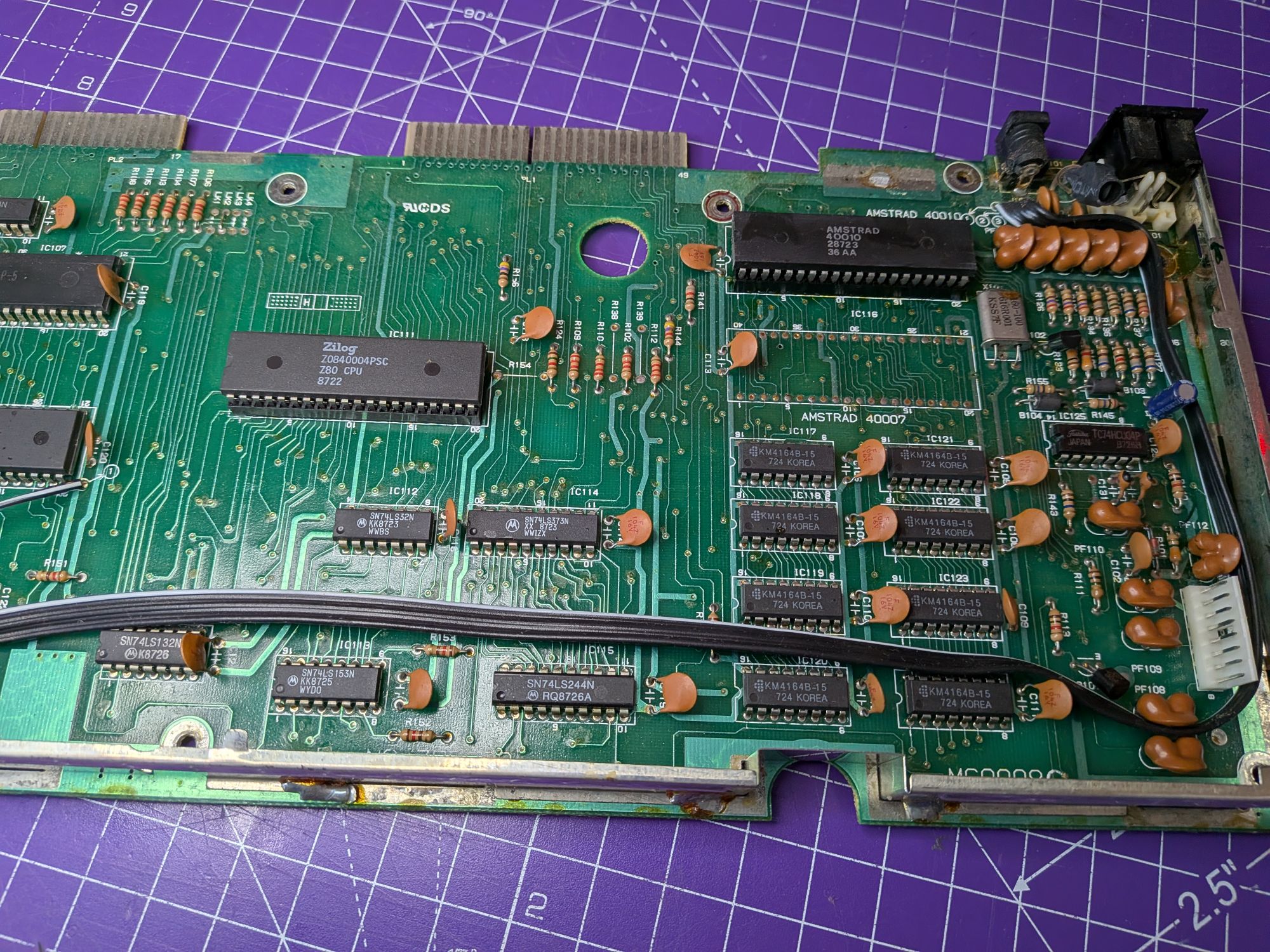
The EPROM on these is on the left of the board. On this, it’s numbered 40019. Other numbers are used representing different language variants. You can see in the pics the boards are quite long and everything is spaced out in a repair friendly way, which is nice.
The EPROM actually contains two separate ROMs. The low level OS which it needs to be able to do anything and BASIC, which it needs to be able to do anything when it’s able to do something. They are both contained one after another on the 40019 IC.
The EPROM can be replaced with a fairly standard EPROM, programmed with the correct code but they too are starting to become scarce and relatively expensive. It’s all old tech now and largely obsolete.
A better option IMHO is to install a modern alternative. Retroleum is a great place to get one. Storage space on a modern replacement is less of an issue than it was in the 80s and the one available from Retroleum has space for two separate ROMs, selectable between the two with a little switch. I opted for the 40019 original ROM replacement as ROM “A” and Amstrad Diag as ROM “B”, as it will no doubt come in useful in the years to come.
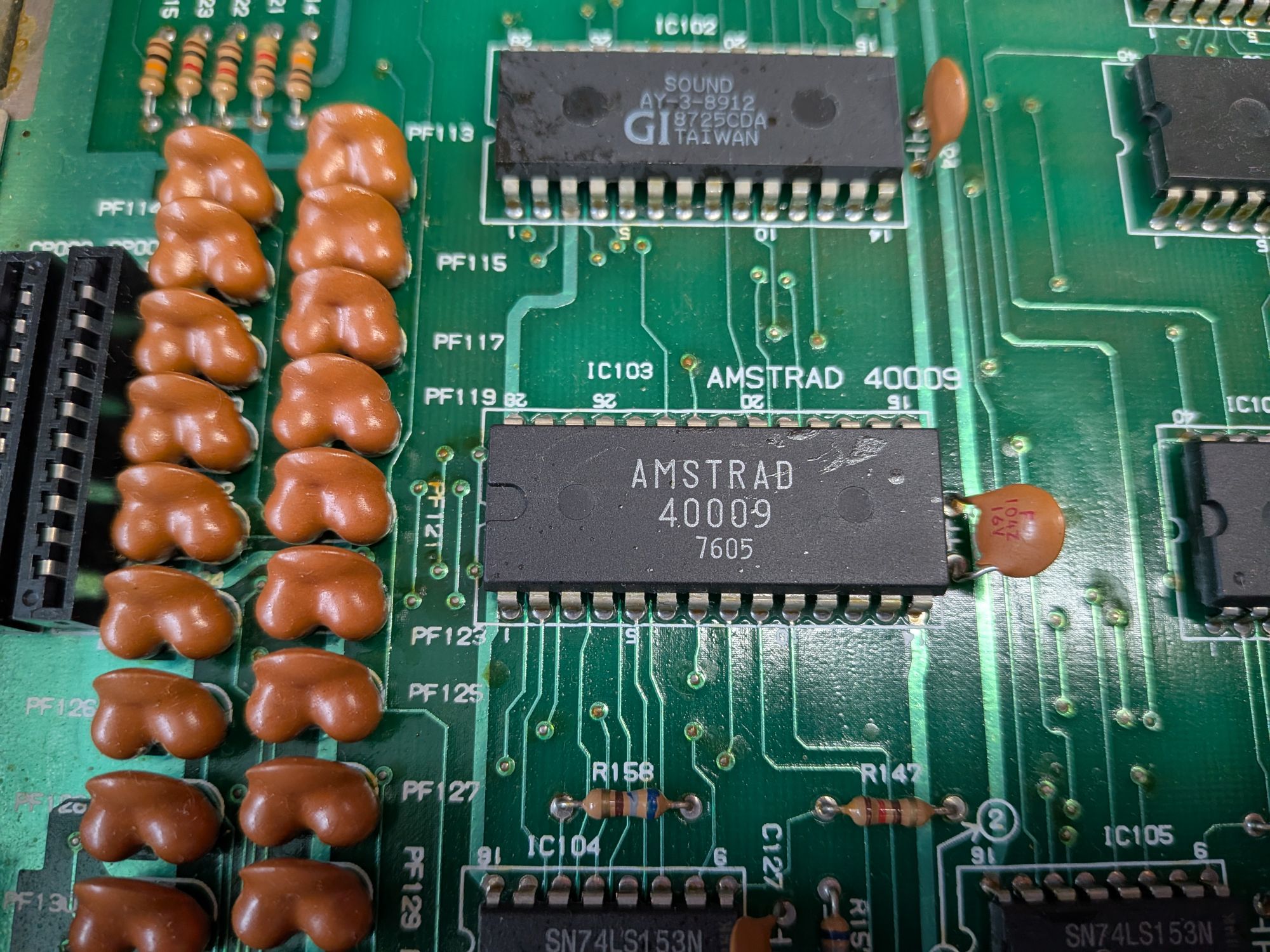
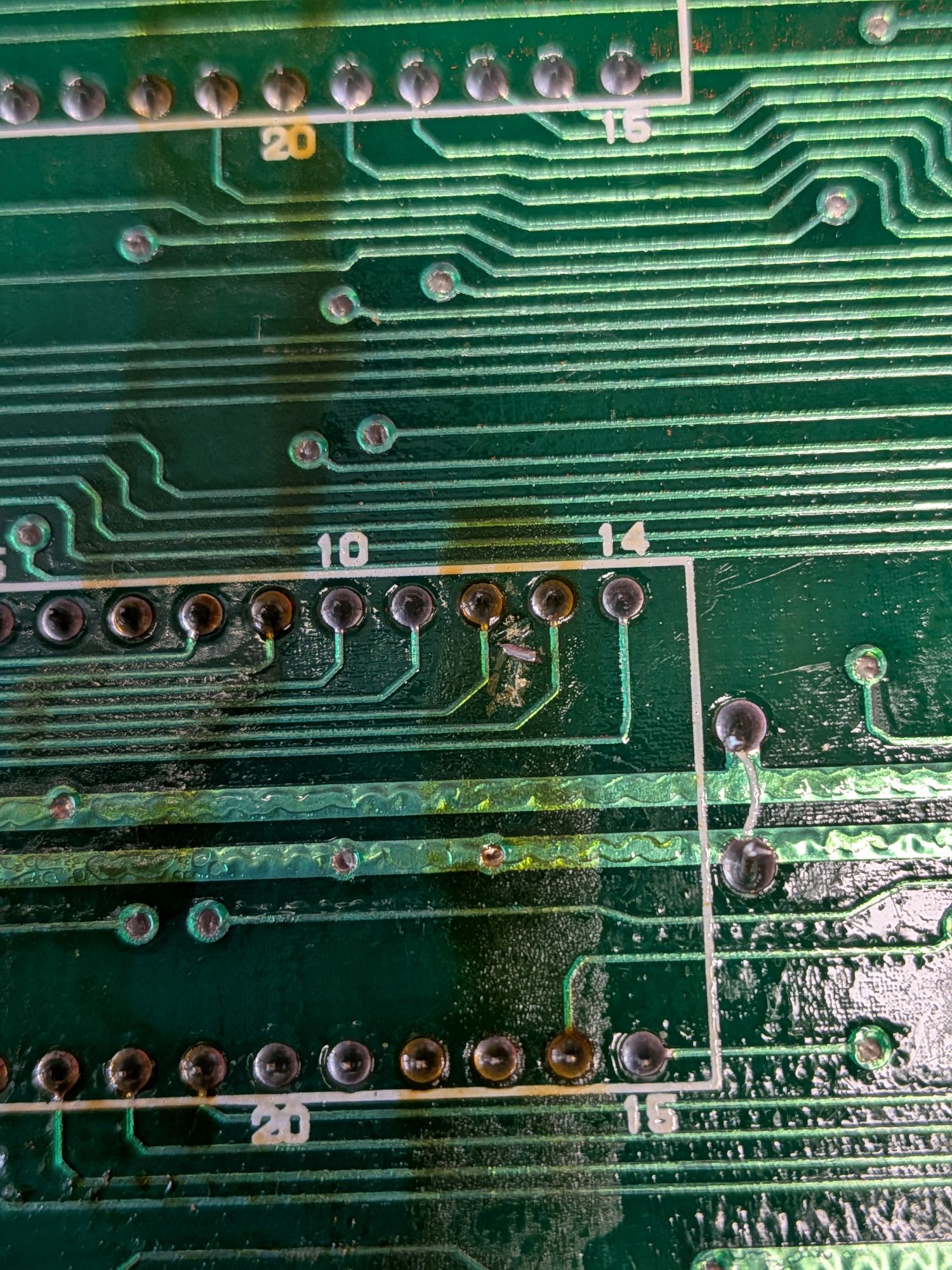
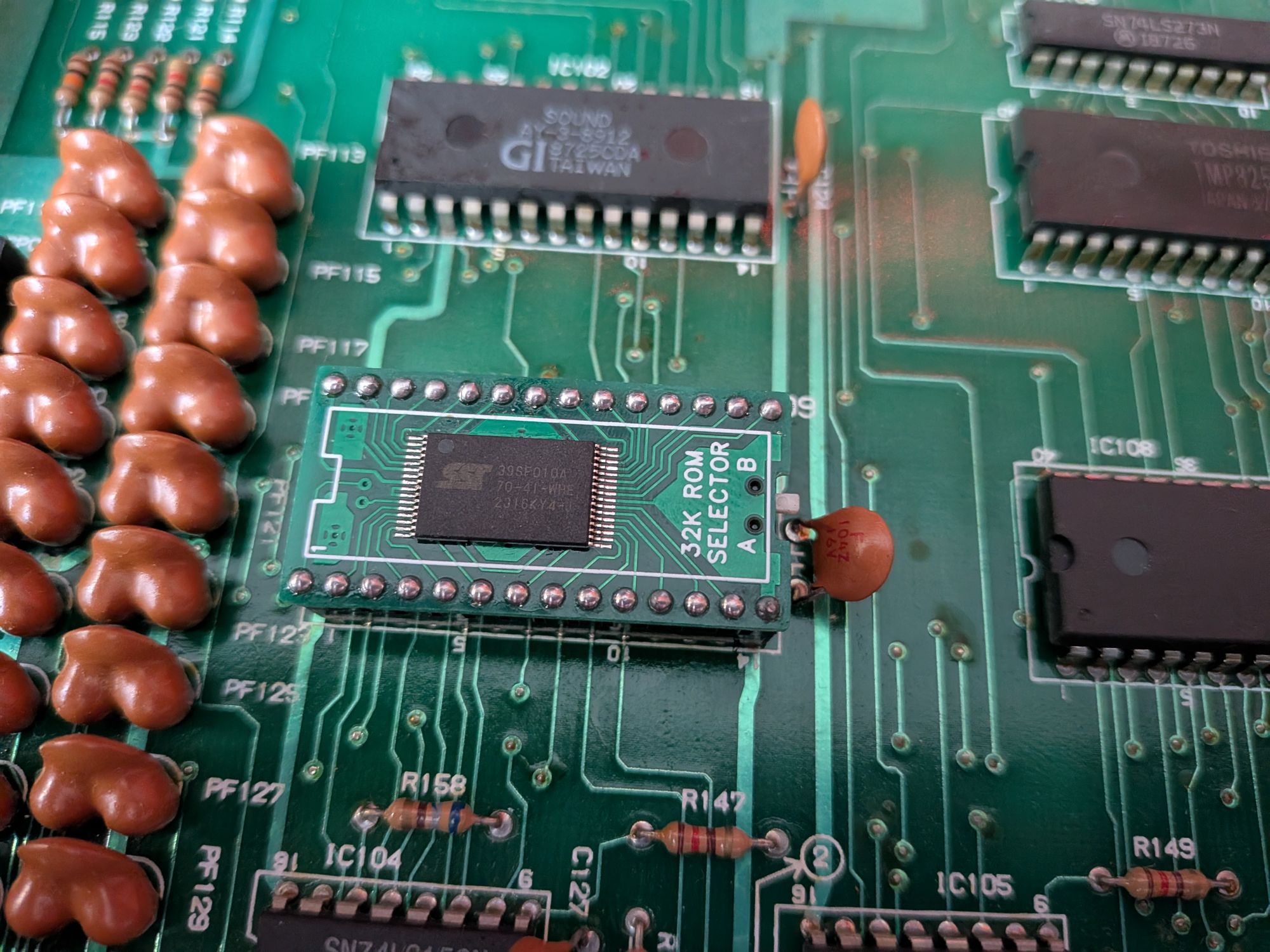
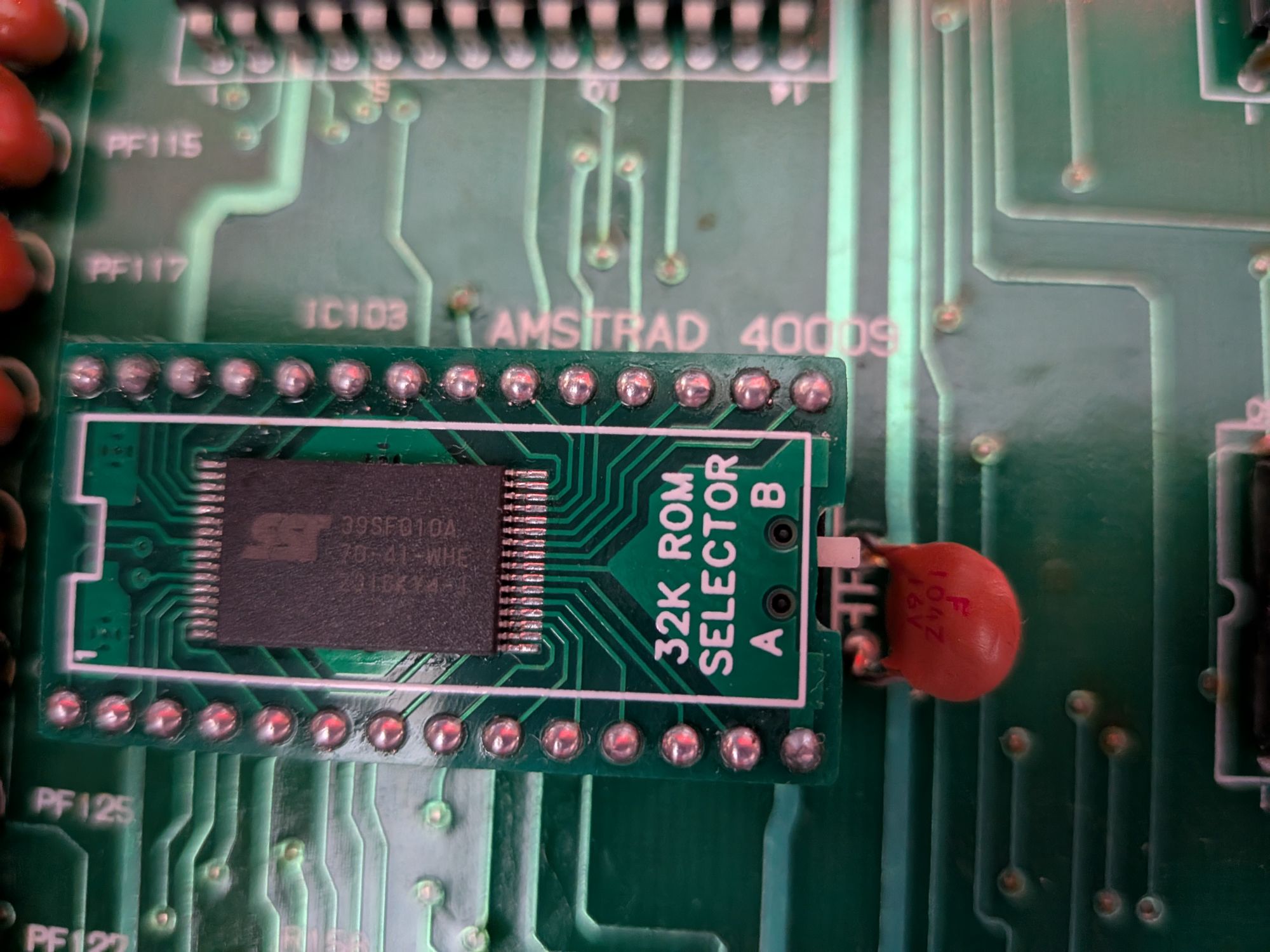
You often find old flux residue on the back of old boards but the way this brown gunge had spread made it look more like some liquid damage. Perhaps a 40 year old spilled coke? It was just flux though. There is a large RF shield covering the board, soldered on in various places. It seems to just be residue from the factory.
With the new ROM replacement fitted, the system was now booting and we can look at the tape deck. It’s faily standard fare here, replace the belts, clean the heads, lubricate etc. Also though to set the azimuth.
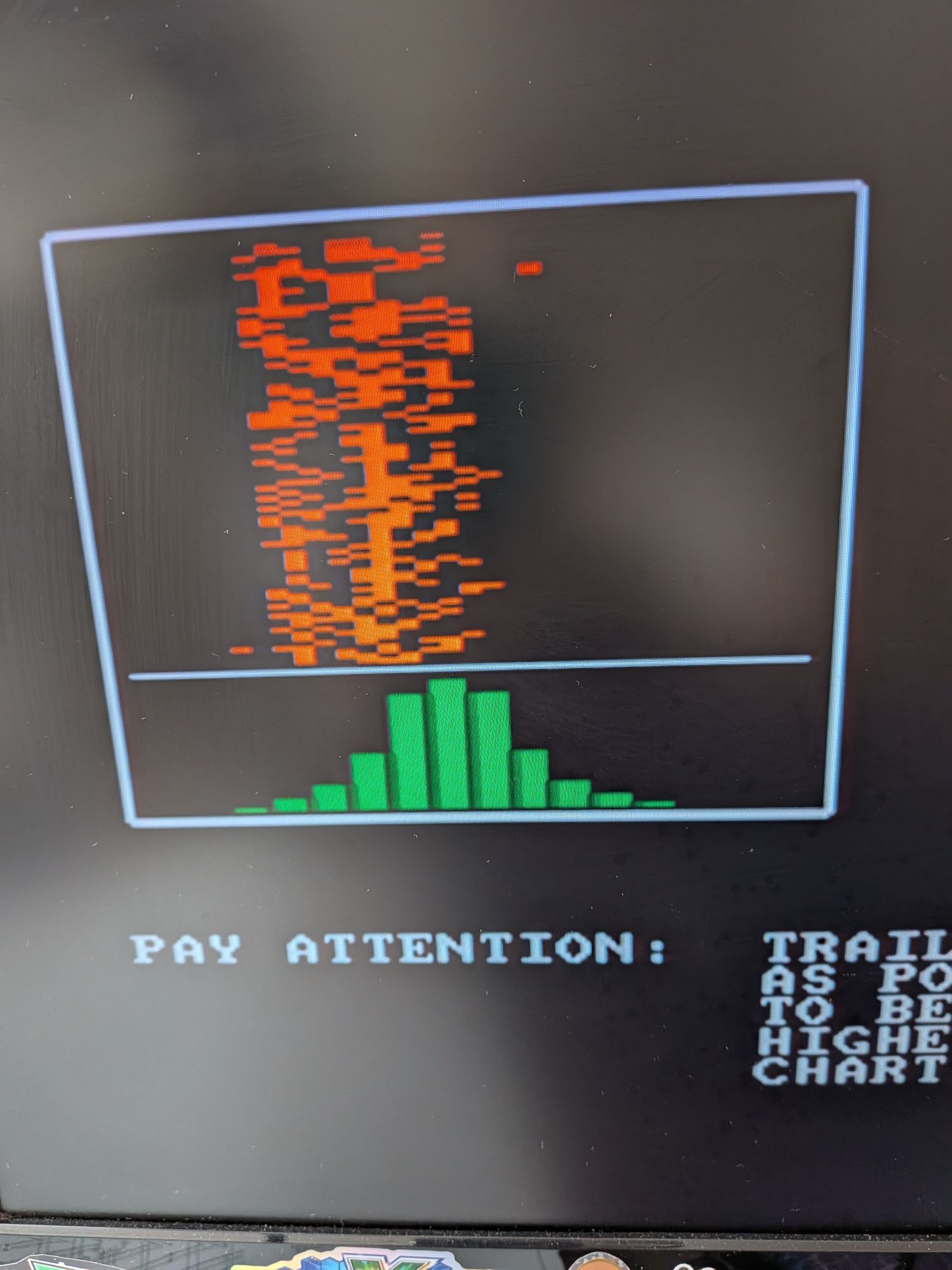
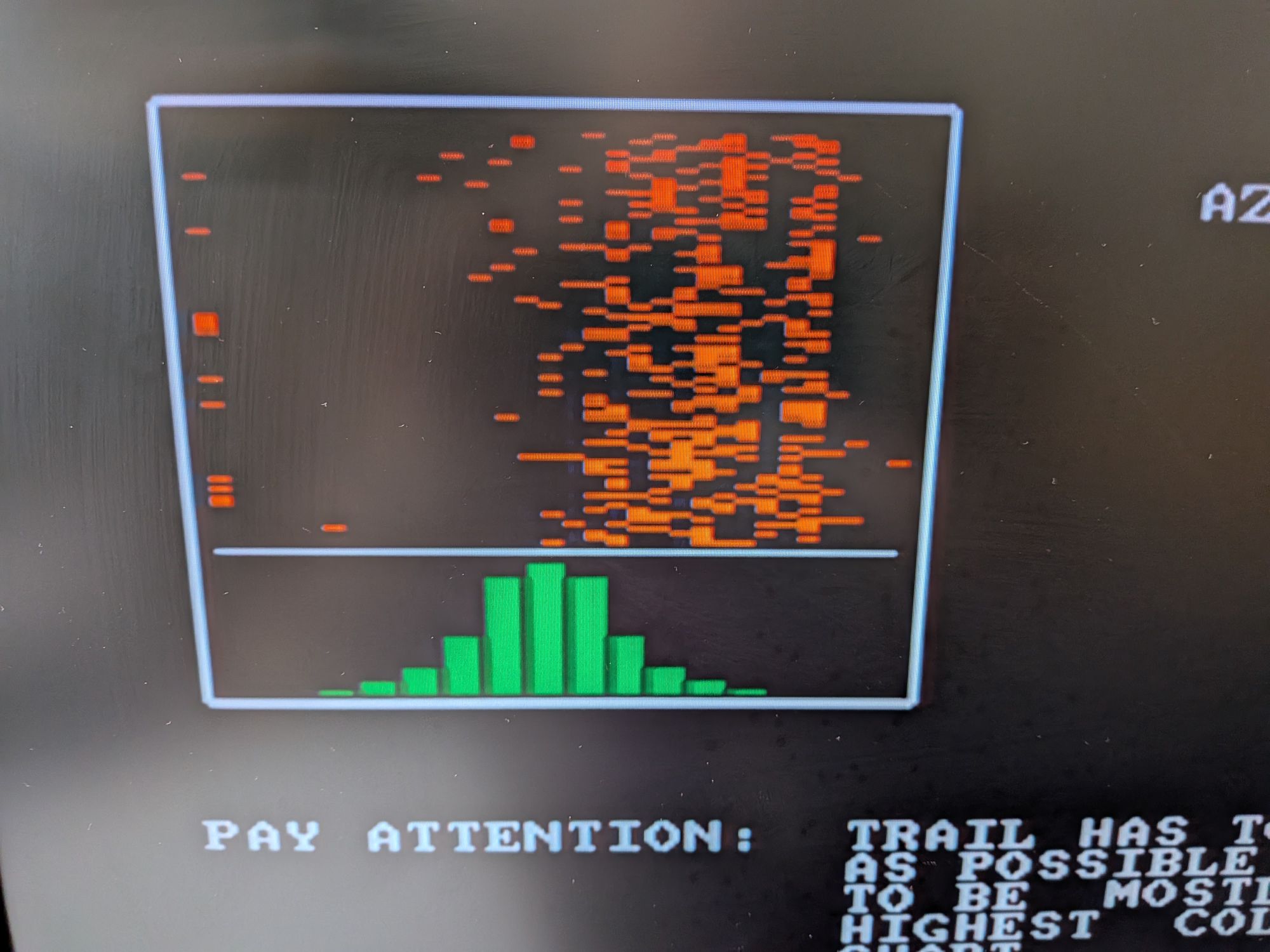
The Azimuth is a posh way of saying make sure it’s reading from the centre of the track. If it’s offset, the audio signal is much weaker than it should be and it will struggle. It tends to dampen the higher frequencies.
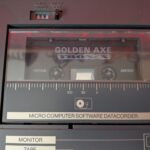
I’ll do another post about that. Shown in the pics is a useful program which can give an indication of where the azimuth is currently. I prefer to use an oscilloscope though, to get a better idea of what is going on with it. It’s important to check it with a proper original recording. A game, or some Amstrad software.