


A capable tool at a good price. Flexible power options. Portable. Very impressed so far.
I’ve had my eye on these for a while but could never justify the expense. Until now.
Purchase price: £99 from Amazon supplied by Ampanova, which is new to me but carry many such tools. Delivered in just 24 hours.
There can be a lot of tool-fashion with this sort of thing. Soldering can be a sort of hobby for people in and of itself. You often see there’s a new must-have thingmejig. Something no self respecting solderer should be seen without. A bit of tool envy too I think. There’s a good Black Country word for this kind of thing – they are tranklements.
These are just tools for me though. Used daily. They’re either good tools or not good tools. They have to be practical above all else, and cost effective. They do what I need them to do, or they don’t. I tend to research things and buy slowly.
What on earth are hot tweezers?
I mean, essentially, they are tweezers that get hot. Not the handle or they’d be a bit burny, just the tips. They can be useful for desoldering surface mounted components. Not so much soldering them on, but removing them, certainly.
There are hot tweezers from the big names too but the cost of those is off-putting. Some also come as an accessory to a particular soldering station, which adds to the expense. Some are just cheap and cheerful and not really good enough for serious everyday work. More hassle than they’re worth.
The Sequre HT140 seems to strike a balance between all those things. Sequre is a fairly well known name for this kind of thing and these have been around for a while now.
Firstly, they are USB powered, or can be powered with a fairly standard 5.5mm plug from a bench supply, or pretty much anything with enough grunt. It accepts from 5V up to 28V although using a lower power supply will affect the output. A small 2A USB supply is capable of making it go, but not very well. A 100W “PD3.whatever” USB is more useful though.
Being independent of any particular base station is appealing. As is the flexibility of power supplies. It makes it quite portable.
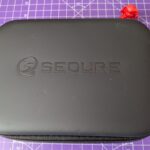
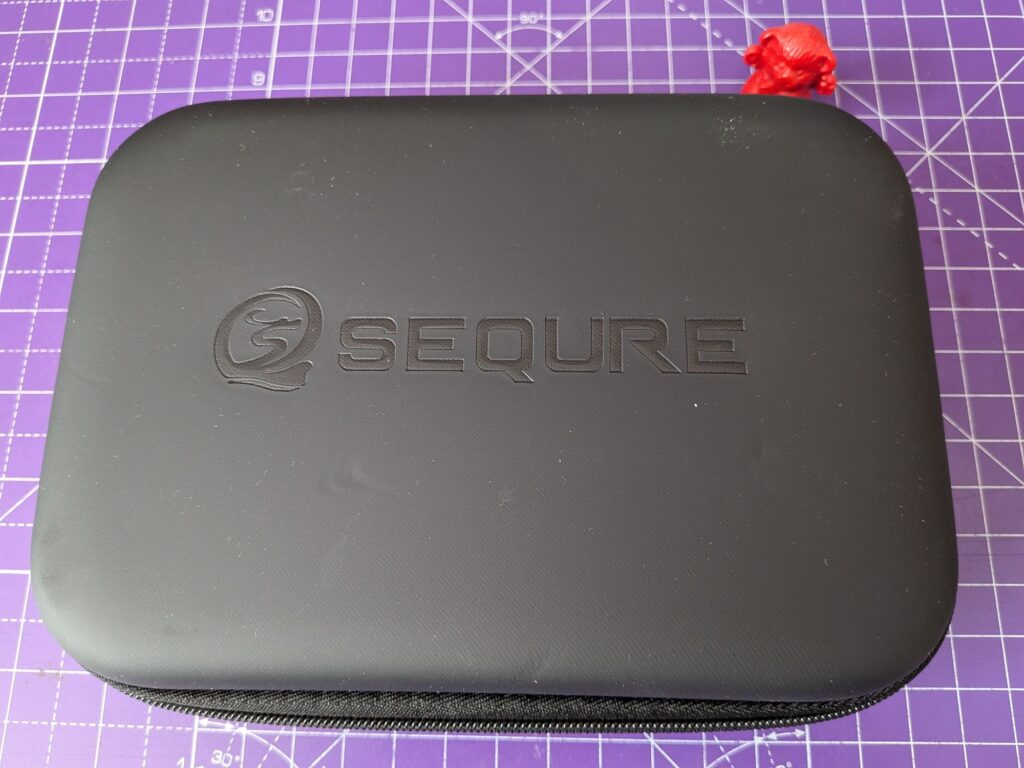
It’s supplied in a rubber feel zippable sturdy case, with fitted foam inserts. It comes with a purpose built stand, complete with obligatory yellow sponge, which grips it securely and is heavy enough not to move around or tip over. Some assembly is required, with two screws to fix the iron stand to the base. I haven’t tested to see whether the stand will fit back into the case once assembled, but it would be useful if it does.
It comes with a capable, silicon insulated USB-C lead which is 1.5m long, or around 4.5 foot if you’re long enough in the tooth to work that way. So 4.5 foot. When plugged in just to my left at the back of the bench, there is enough to droop over the front of the bench and sit to my right. Plenty really. It does slightly retain its kinks from being folded but is flexible and never felt restrictive in use.
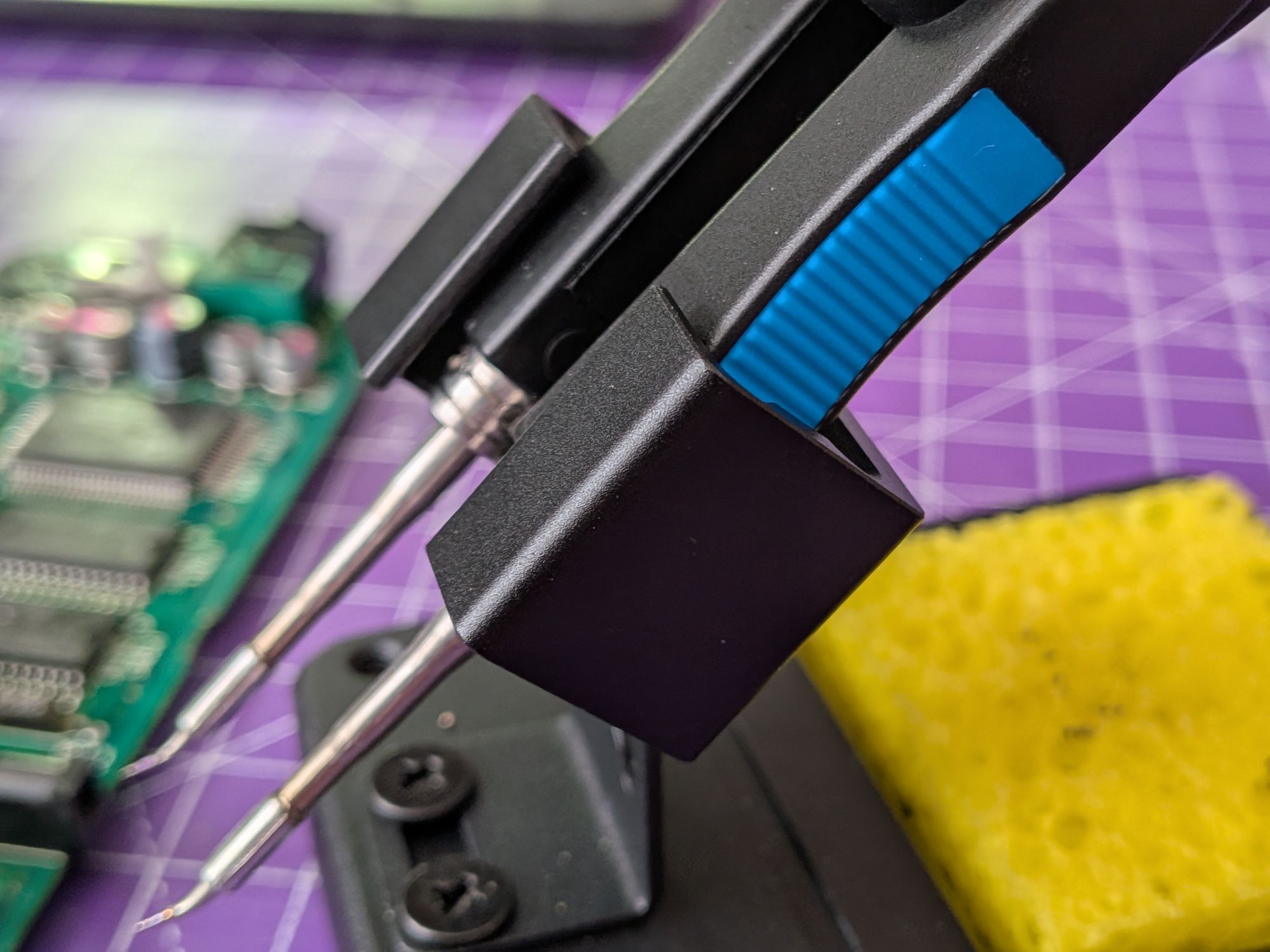
Also in the case are two forms of grounding lead and a croc clip. One lead can be attached to one of the screws on the back of the tweezers, the other is a USB-A type. On the other end of both is a banana plug. I’m not sure what the use of the USB-A plug is, it won’t actually plug into anything.
Grounds can be an issue with USB powered devices such as this. USB supplies are typically floating, not tied to earth. I really need to test for any voltage between the iron grounding screws and earth, and the tips to earth or the USB supply ground. Also for any voltage between the two tips. At the moment though, just trusting that all is as it should be. They have work to do.
The tips it comes with are quite small. Possibly could do with slightly larger ones for SMD electrolytic caps. I believe it takes C210 tips. It did cope quite well though, even at 100W max. It is capable of 140W so may be better powered from a bench supply, or getting a dedicated USB one for it. There’s similar potential grounding issues with a bench supply.
The tips are secured in place with some tiny grub screws at the collar, to prevent them turning as you’re using it. There are a couple of equally tiny allen keys in the case and also, thoughtfully, a couple of spare grub screws.
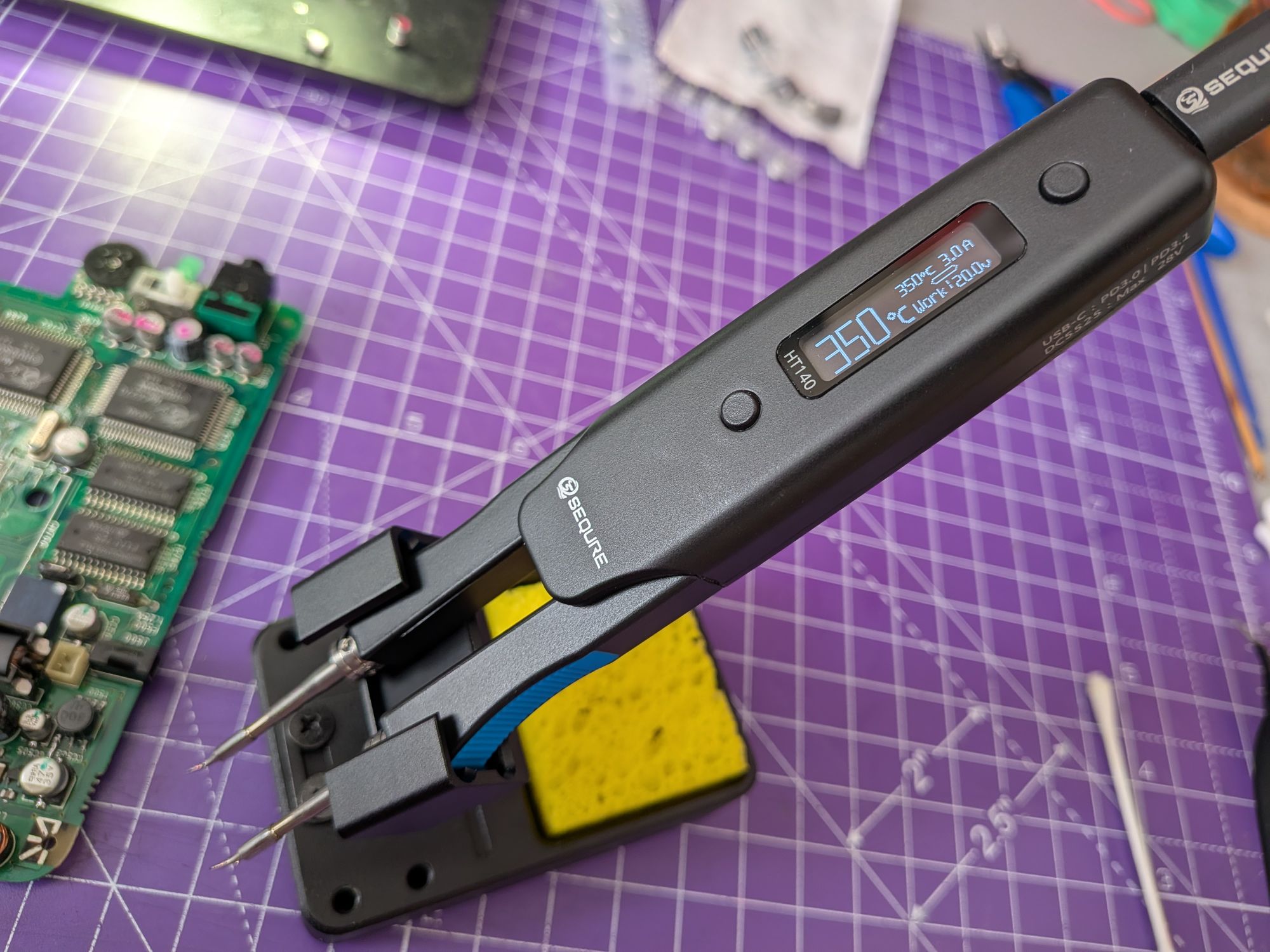
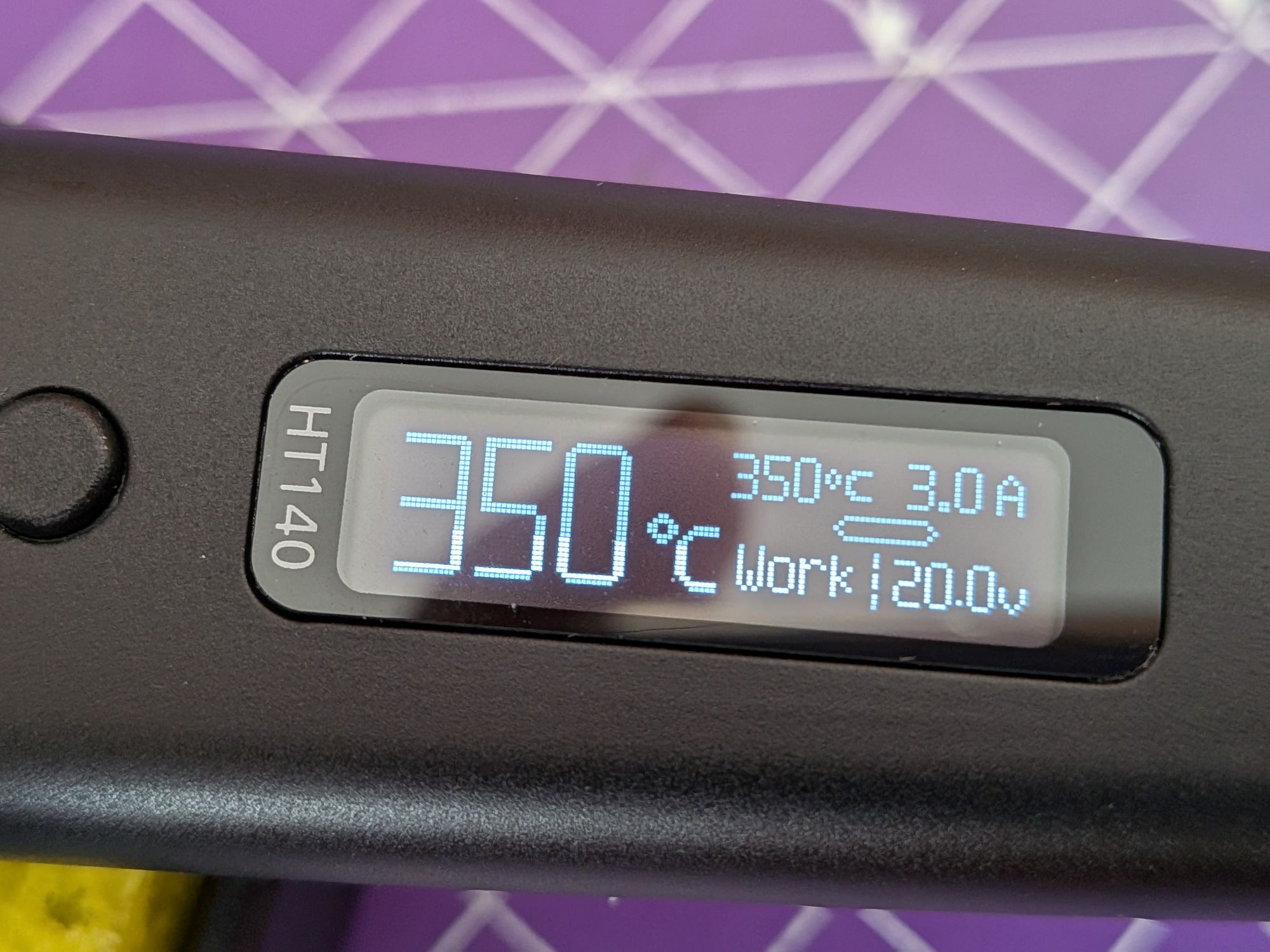
When first plugged, the screen comes to life but the tips remain cool. It has several modes it switches between. initially it starts in STOP mode. To switch it to WORK mode takes a long button press, after which is will enter SLEEP mode when it is inactive for a while. It reduces the temperature to an idle of 50C when sleeping. There is a motion sensor that detects movement and switches back into WORK mode, heating up rapidly, when you pick them up.
There are two buttons which allow you to control the iron and navigate a small menu of options, such as how long to sit still before sleeping and temperature steps. Out of the box the temperature is adjusted in 50C steps, which is quite a big jump. It beeps when switching between modes, which is actually quite useful in this case – instantly disabled on my main iron though.
You can even, if you wish, set it to only heat one side of the tweezers and use it as an iron. Not sure why you would but being pretty portable it’s not inconceivable.
One thing I found, in use, is the direction of the ribbing on the grip is edge to edge, or top to bottom as you’re holding it. It would perhaps be better lengthways, or cut in both directions to prevent slow slippage with fluxy fingers.
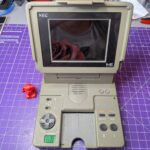
Overall this is a really useful and capable tool. It has already been used to recap a PC Engine LT, which has capacitors in awkward places. It will no doubt be in regular use, so we’ll see how it goes over time. I may swap the tips for some slightly larger ones. Very happy with the purchase so far though.
2 Responses